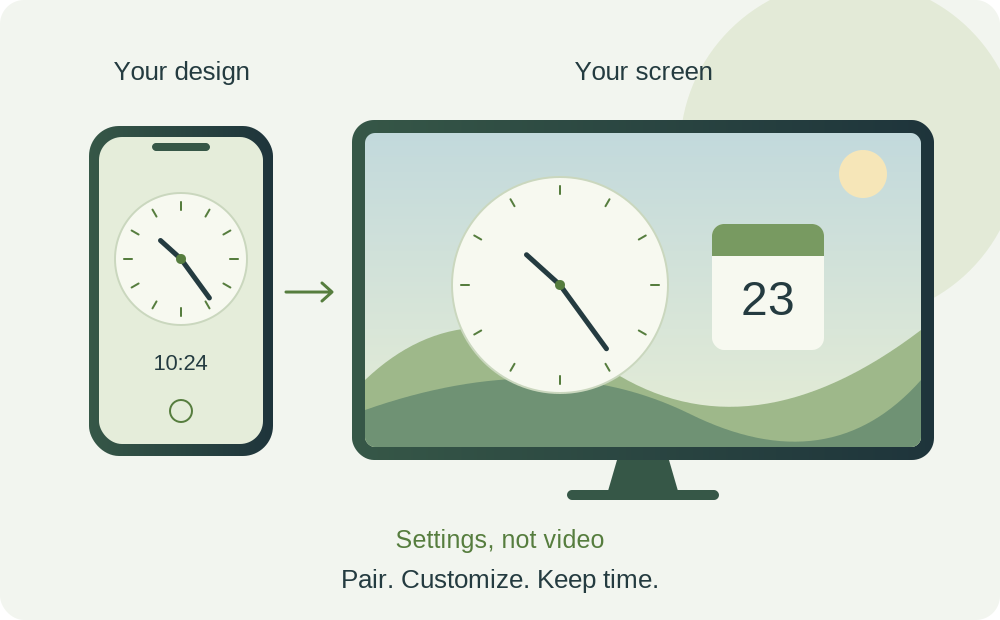
More room for your time
An analog dial, glowing binary dots or a sundial: your selected display, colour scheme, background and date come along. The receiver shows the clock without the settings interface. Even an existing tablet can become a calm time display. You need a suitable browser on the receiving device, not a particular brand of streaming hardware.
Pair once, then make it yours
Open clock.jacktools.net/stream in the receiving browser. It shows a time-limited pairing code and QR code. Choose “Stream clock” on your smartphone or computer and enter the code or scan the QR code. Confirm on the receiver, using the device label and clock preview to recognize the request. Later display changes are applied live.
Not a video stream: a clock of its own
Technically, streaming here means remote control between two browsers. Display settings pass through a separate Node.js backend. The receiver checks the connection state regularly and renders the clock itself using its own device time. Your smartphone does not have to encode or continuously send video. Switch it off and the clock continues with its last settings while the receiver and browser remain active. New changes require a connection again.
Bring the Sun and seasons along
“Share sender location” supports the location-based sundial and year simulation. Location must first be allowed on the sender. Only this separate switch sends coordinates rounded to three decimal places through the backend to the paired receiver. The receiver then does not need to request its own location permission. No coordinates are sent without that opt-in. Alarms and audio are not transmitted.
A browser is enough, with browser limits
No account or Chromecast registration is required. On a TV stick, this works only if a suitable browser is available; it does not automatically make every stick compatible. After approval, fullscreen is opened where possible. Standby, screen locking and browser restrictions can interrupt the display. Reloading may require pairing again. Use the disconnect icon on the receiver to end the stream.
Design your clock ↗ · Streaming guide · Open receiver view ↗