TIME & DATE · GUIDE
Your clock. Your view of time.
A large clock on your desk, the date in a classroom or the time in another city: the Jacktools clock displays your device’s current time in a time zone you choose. You decide how it looks and which information to show.
Open ClockVIEWS & SETTINGS
One tool, many views.
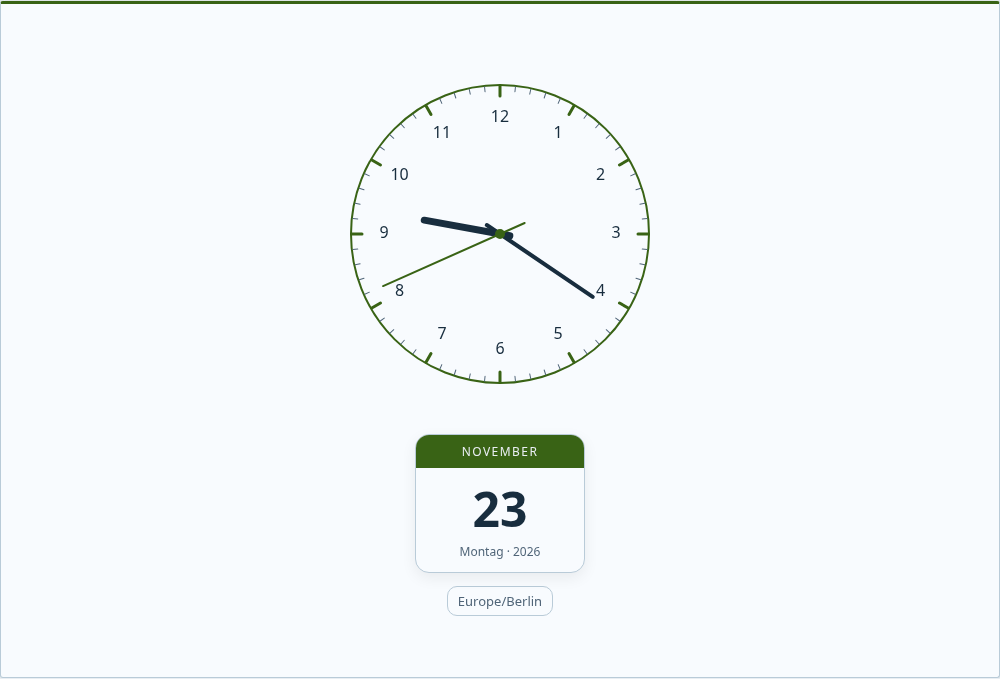
Explore different views and colour styles for Clock. The screenshots come from the online app. Click any image to enlarge it.
The screenshots show the German-language interface. The explanations are translated.
GET TO KNOW THE TOOL
Clock: the most important functions
Analog & digital
Choose a watch face, digital numbers or a combination. Flip digits are also available.
Date & time zone
Show the date and choose the time zone for your display - regardless of your location.
Focus & Alarm Clock
Make the clock the focus or set a one-time browser alarm. The page must remain open for this.
Choose your clock view
The analogue view shows the positions of the hands. The digital view makes the time quick and clear to read. Combined views provide both, while flip digits offer another display style.
Date and dial have separate settings. You can adjust seconds, numerals and smooth hand movement. Check readability from the distance at which you will actually use the clock.
- Open the watch and select the desired display in the settings area.
- Customize the watch face and date display. Hide information you don't need.
- Choose an easy-to-read view for larger distances and use the focus view if necessary.
View time in another region
The clock uses named time zones. This means that the same device time can be displayed for Berlin or New York, for example. Daylight saving time depends on the browser's time zone rules; a fixed hourly interval is not always correct all year round.
The time zone selection does not correct an incorrectly set system clock. There is no comparison with an external time server. If the display is incorrect, first check the date and time on your device.
- Select the desired time zone in the tool.
- Check the time and date together - a different calendar day may already apply in the other zone.
- When making important arrangements, check the advertised zone instead of just a noted hourly difference.
Use the browser alarm clock consciously
The alarm clock is intended for a one-time reminder on the opened page. The selected time refers to the set time zone. A test helps you check the sound and volume in advance. After an alarm there is a snooze function for five minutes.
Don't rely on the browser alarm clock for important appointments or to wake up reliably. Background operation, device lock, power saving mode and interrupted audio output can prevent or delay the alarm. The activation of an alarm clock is not restored upon reload.
Backgrounds, focus and local settings
Static motifs and animated backgrounds turn the clock into an independent display. The annual simulation combines days and seasons with an illustrated landscape. Without location mode, the phases of the day are schematic; the representation is not a reliable sunrise table.
The optional location mode queries the browser position. It must be explicitly switched on. The coordinates remain in memory only for the current visit and are discarded upon reload. You don't need this function for a simple clock display.
Design settings can be saved locally with your consent. Optional screen wakeup depends on browser and device and is not a guarantee against manual lock or standby.
Frequently asked questions and important boundaries
Where does the time come from?
From your device's system clock. A different time zone changes the representation, not the underlying time source.
What happens to an alarm clock after reloading?
An activated alarm will not continue. Check and reactivate it after reloading.
Do I have to share my location?
No. Clock and time zones work without location access. Only the explicitly activated location mode of the annual simulation uses the browser position.
Why doesn't the screen always stay on?
Keeping the screen awake requires browser support and a secure connection. Device settings and power-saving rules can prevent or end it.