BREATH & CALM · GUIDE
A quiet moment. At your own rhythm.
Breathe accompanies a conscious pause for breathing with a circle animation and a phase display. You can choose an existing pattern or set your own times. This is about pleasant orientation, not about adhering to specifications at all costs.
Open BreatheVIEWS & SETTINGS
One tool, many views.
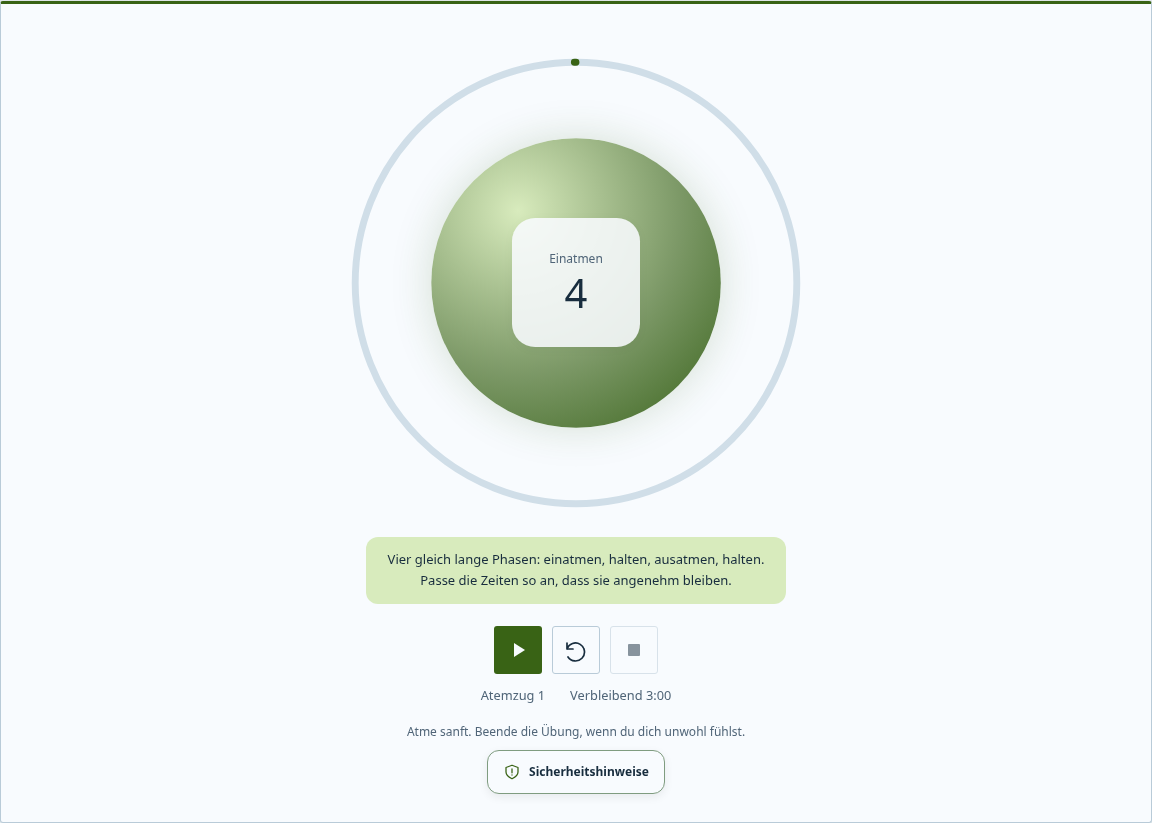
Explore different views and colour styles for Breathe. The screenshots come from the online app. Click any image to enlarge it.
The screenshots show the German-language interface. The explanations are translated.
GET TO KNOW THE TOOL
Breathe: the most important functions
Choose pattern
Square breathing, even and gentle rhythms as well as your own phases can be selected.
Adjust at your leisure
Breath holds can be set to zero seconds. Pause, skip and stop controls remain accessible.
See & hear
If necessary, combine visual orientation with breathing sounds or phase tones - even independently of each other.
Before the first start
Read the tool’s guidance and choose a situation in which you can safely look at the display. Breathe is not a medical service and makes no claim of therapeutic effects.
The rhythm is a guide, not a performance target. Do not deliberately breathe more forcefully than feels comfortable, and do not hold your breath against your needs. If you feel unwell or dizzy, stop and return to normal breathing.
- Open Breathe and read the usage instructions that appear.
- Choose a pattern and session length. Check the four phases before starting.
- First, set sounds to a low level or turn them off.
- Don't start until you understand the process. You can end the session at any time.
Understand the four phases of a breathing pattern
A pattern consists of inhaling, holding after inhaling, exhaling, and holding after exhaling. Presets use different lengths for these phases. You can set your own durations, including zero seconds for the holds.
The balanced 5–5 preset uses five seconds breathing in and five seconds breathing out, without holds. “Gentle · 4–6” uses four and six seconds. These figures explain the software presets; they are not personal breathing recommendations.
Pause, skip the holding phase and end
Pause pauses the current position. Resume continues the session. Exit, on the other hand, stops animation, counting and audio immediately. An active hold phase can be skipped if you don't want to wait for it to end.
Opening the detailed notes pauses the session. Even after that, it doesn't continue to run on its own. If you leave the browser tab, the session will also be paused. A reload does not restore a running session.
These deliberate interruptions are part of the operation. After switching back to the page, check whether you actually want to continue instead of assuming the exercise is continuing in the background.
Animation, sound and settings
The circle animation and the phase text provide two types of orientation. Movement can be reduced; the focus view puts the focus on the session. The instructions and the option to terminate immediately remain accessible there.
Breathing sounds and phase tones can be adjusted independently. They are generated locally and need user interaction before audio can start. If you hear nothing, check the volume and whether the browser tab is muted.
With your consent, the tool can save settings locally. A saved template is not a continued session and is not synced between devices. Optionally keeping the screen awake depends on the browser and device.
Frequently asked questions and important boundaries
Do I have to take part in the holding phases?
No. You can set hold phases to zero seconds and skip an active hold phase. Don't force a given beat.
What happens when you switch to another tab?
Breathe pauses the session. When you return, you can consciously decide whether you want to continue.
Can I practice without sound?
Yes. The visual orientation can also be used without breathing noises and phase tones.
Does Breathe replace treatment?
No. The tool is an optional accompaniment for a breathing space, not a medical service and not a diagnosis or therapy.