SOUNDS & ATMOSPHERE · GUIDE
Your soundscape. Layer by layer.
With Relax you can combine gentle instrument sounds, rain, wind, campfires or the sound of the sea to create your own soundscape. You decide which layers are heard and whether animations are included. The sounds are produced synthetically - they are not natural recordings.
Open RelaxVIEWS & SETTINGS
One tool, many views.
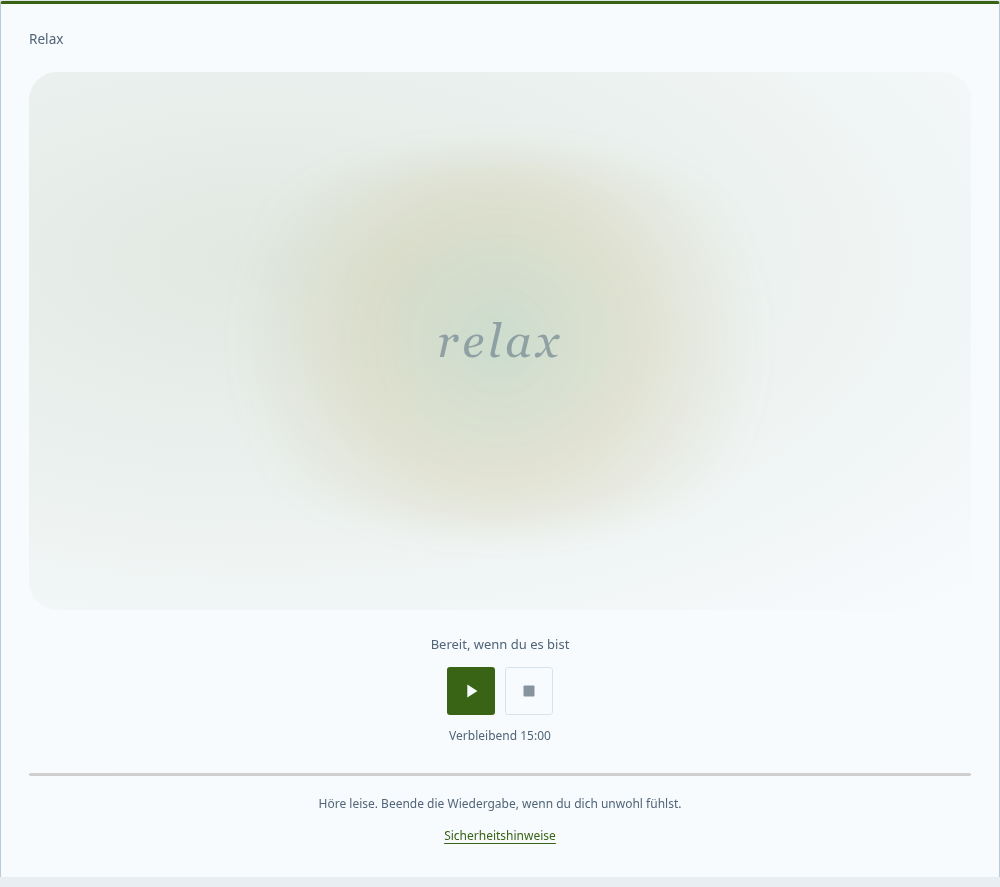
Explore different views and colour styles for Relax. The screenshots come from the online app. Click any image to enlarge it.
The screenshots show the German-language interface. The explanations are translated.
GET TO KNOW THE TOOL
Relax: the most important functions
Instruments
Wind chimes, singing bowls, kalimba, handpan, bells, gongs and harps create different timbres.
Nature & noise
Mix rain, wind, campfires, ocean sounds, and white, pink, or brown noise with custom levels.
Templates & Duration
Start with a template and customize it. Limited sessions fade out gently; zero minutes means unlimited.
Build a clear sound mix
Start with a single layer of sound. This way you can hear how it works before other instruments or background noise are added. Instrument playback can be turned off regardless of the background layers.
Each additional layer changes the overall volume. Quiet individual values do not automatically result in a quiet mix. Check the overall sound at a comfortable volume before listening for any length of time.
- Open Relax and read the usage instructions.
- Choose a template or activate just one sound layer first.
- Start playback and set the overall volume to low.
- Add additional layers one at a time and adjust their volume.
- End the session using the controls if you no longer want to listen.
Start with a template and make targeted changes
Presets such as Summer Garden, Evening Calm, Pure Nature, By the Fire and By the Sea set several sound values at once. You can then adjust the mix. Switching presets keeps your session duration and general settings.
The crackling density can be changed at a campfire, and the intensity of the waves can be changed when the sound of the sea is heard. Both have their own optional animations. Instrument shapes and movements serve to create atmosphere, but are not a necessary part of audio reproduction.
Session duration and background playback
A session with a time limit ends with a gentle fade-out. At zero minutes, it runs without a set end time. Reloading never automatically restarts a previous session.
Background playback is a separate setting. If it is switched off, playback pauses when you exit the tab and must be deliberately continued. Even with background playback turned on, the browser or operating system can interrupt the audio. Animations are paused in the background.
Don't use Relax as a reliable alarm clock. A scheduled duration does not guarantee uninterrupted playback when the device is locked, nor does it guarantee an audible notification at a specific time.
Motion, focus view and saved values
You can reduce or turn off the animations and just listen. The focus view creates more space for the soundscape. A quieter image can also be useful if the screen remains visible while doing another task.
Settings and the status of the introduction will only be saved locally with your consent. They are not automatically available on another device. Playback itself remains a conscious action and is not restored after a reload.
Relax is a creative sound tool, not a medical service. You do not have to wear headphones or combine several sound layers. Listen at a comfortable volume and stop playback if it bothers you.
Frequently asked questions and important boundaries
Are these real nature recordings?
No. Instruments and ambient noises are synthesized locally and approximate the respective timbres.
Can I only hear rain or the sea?
Yes. Instruments and background layers can be controlled separately. Only activate the desired layer.
What does a duration of zero minutes mean?
The session is then unlimited in time and does not end due to a set time limit.
Does audio work when the screen is locked?
This depends on the browser, device and background setting. Don't rely on uninterrupted playback.